

WELCOME!
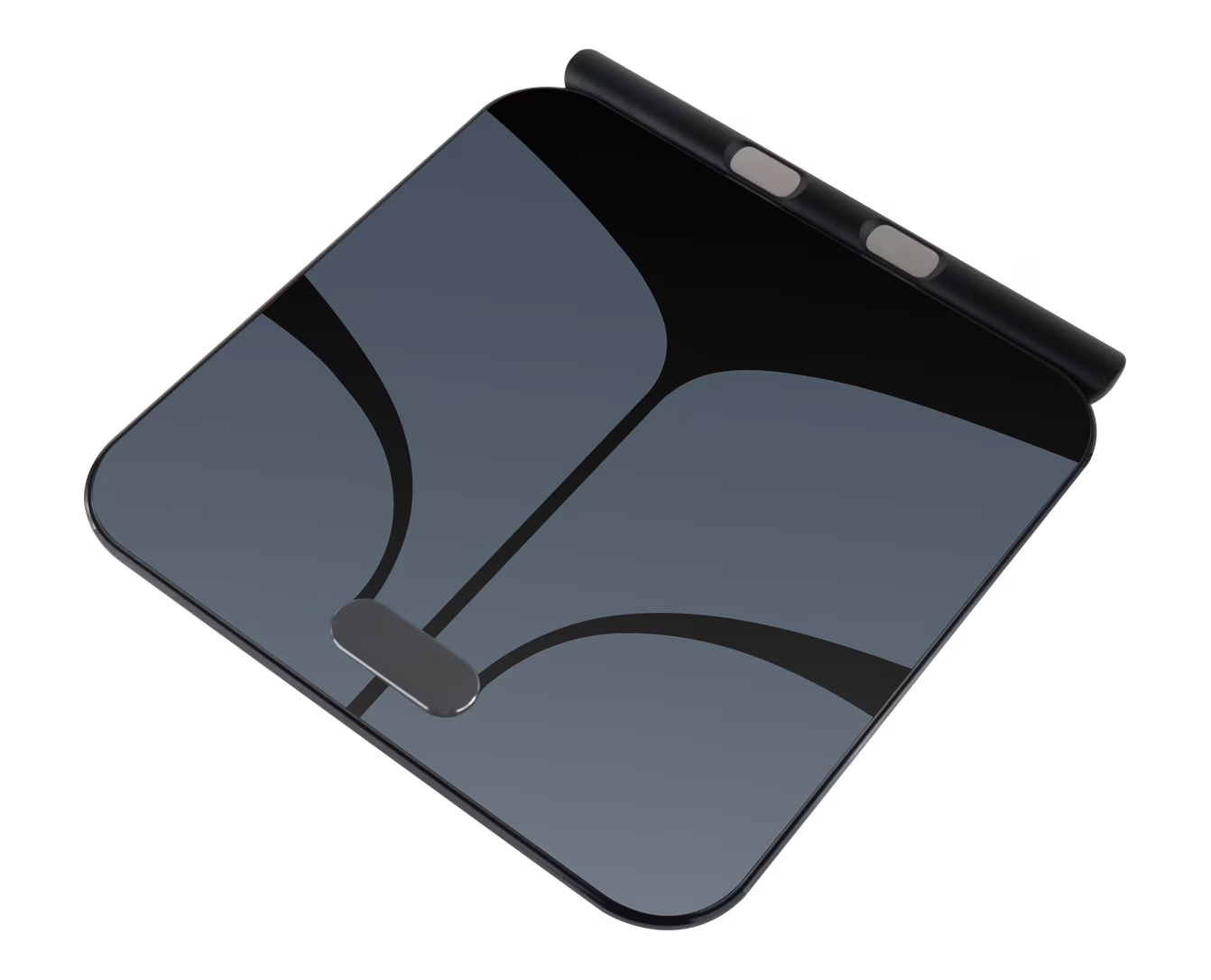
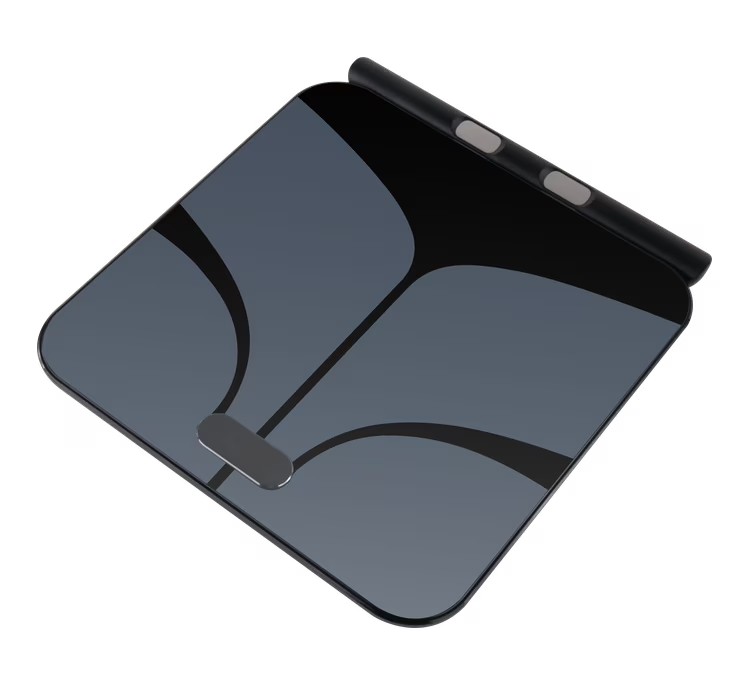
Let’s connect your Muscle Charge Smart Scale.
You’re just 2 minutes away from seeing your body composition.
HOW TO GET STARTED
1
Click below to download the Muscle Charge app.
Click below to download the Muscle Charge app.
Once installed, open the app and create or log into your account.


2
Make sure Bluetooth is enabled on your phone so your scale can connect.
Make sure Bluetooth is enabled on your phone so your scale can connect.
3
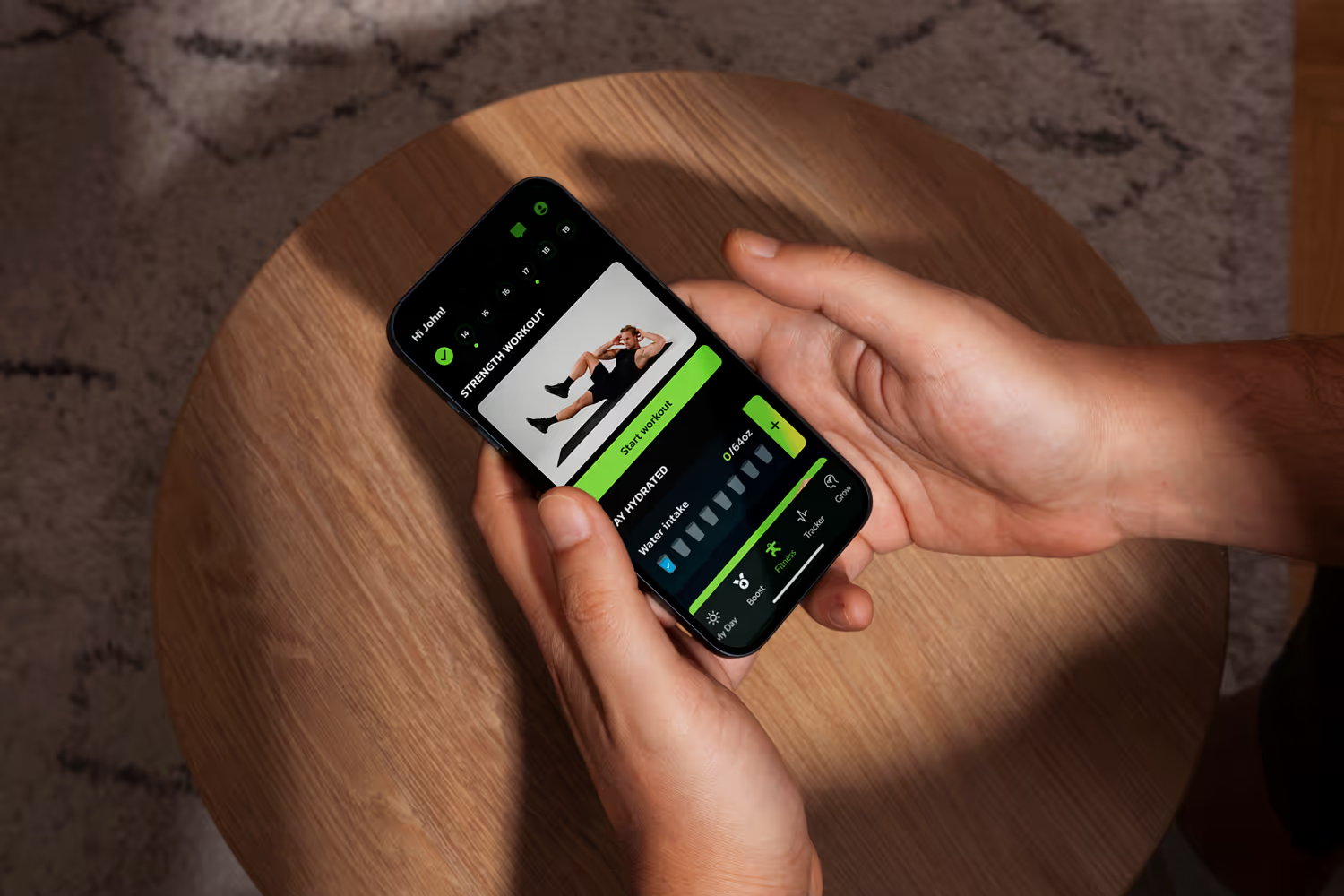
Open the app and follow the pairing instructions.
Open the app and follow the pairing instructions.
Once your scale is paired,
you can start tracking all your body insights!
PAIRING INSTRUCTIONS
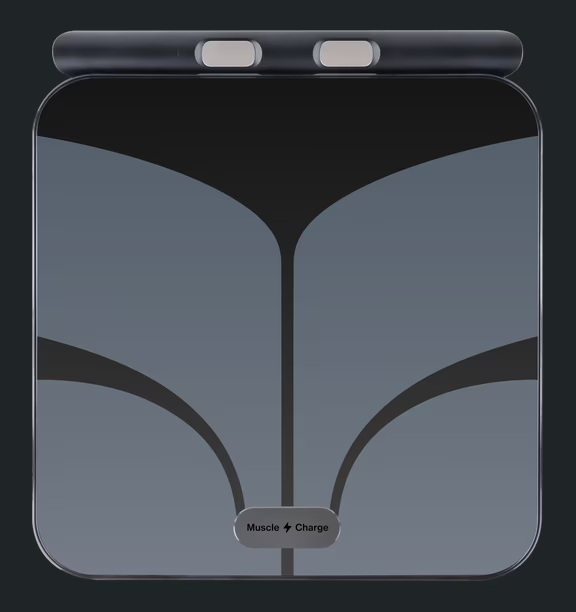
Start Pairing
If your scale already arrived, click Connect on the banner you will find on MyDay screen.
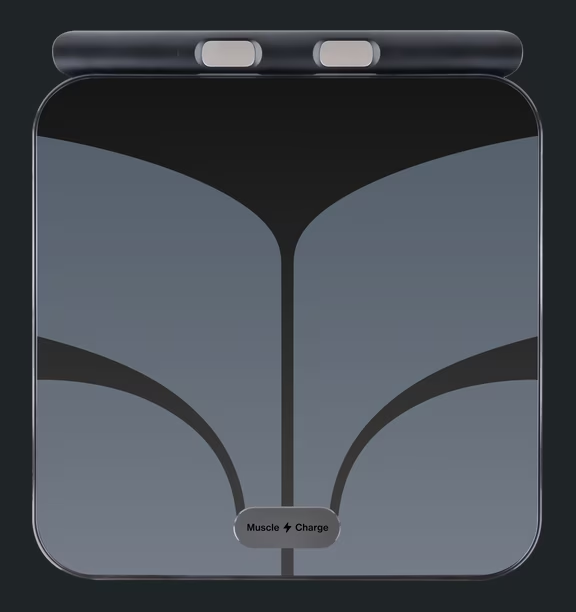
Looking for your scale
Make sure to step barefoot on the scale with the app opened nearby.
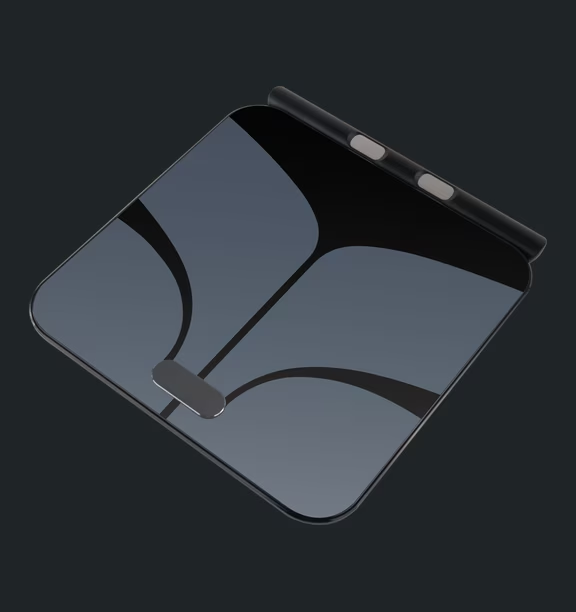
Connected
Everything is set to start tracking your body composition! You can find all your data in Tracker screen.
Start Pairing
If your scale already arrived, click Connect on the banner you will find on MyDay screen.
Looking for your scale
Make sure to step barefoot on the scale with the app opened nearby.
Connected
Everything is set to start tracking your body composition! You can find all your data in Tracker screen.

*Turn on your smart scale and make sure it's charged
